Xem chi tiết
Mô tả chi tiết (Prompt)
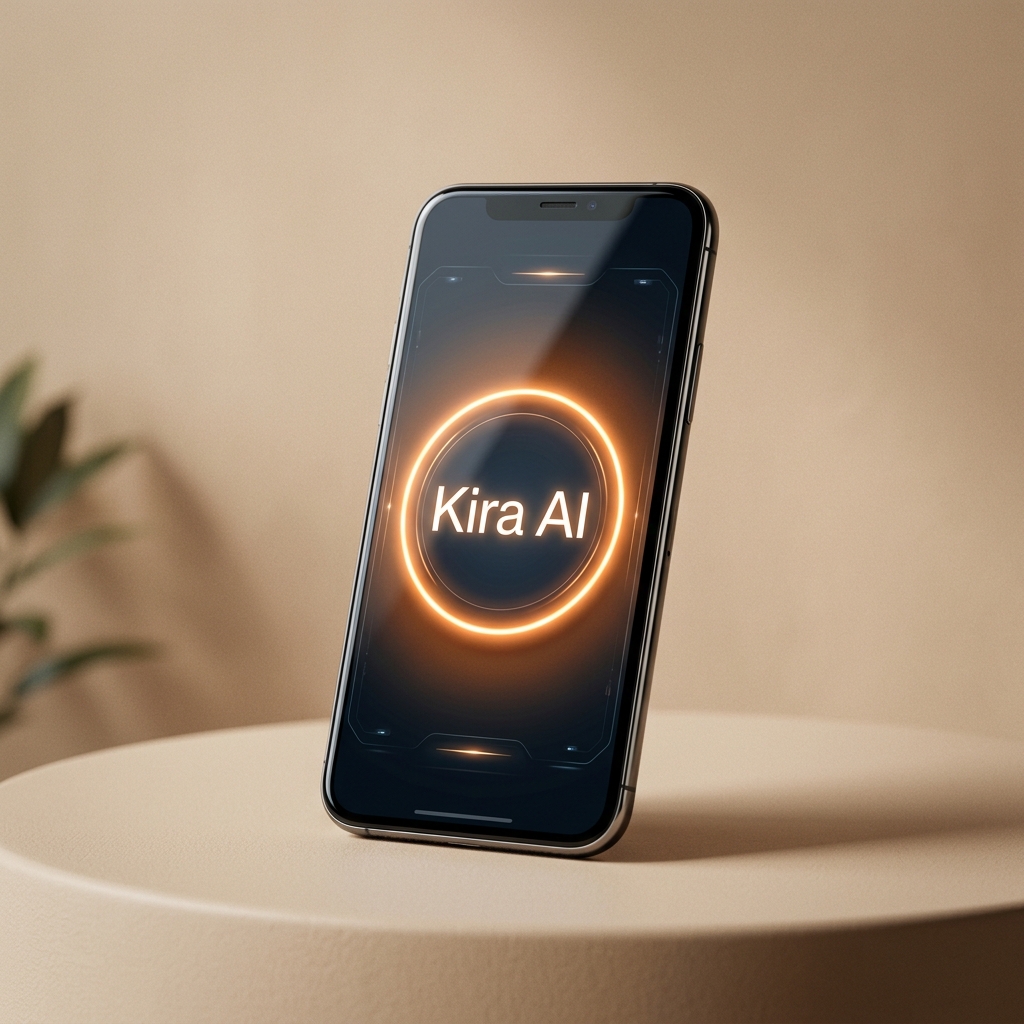
 Kira AI
Hy Image 3.5 là mô hình tạo ảnh miễn phí Tencent AI, tạo ảnh chất lượng cao. Miễn phí dùng thử trong 5 ngày
hy-image-v3.5-free là model tạo ảnh thế hệ mới của Hunyuan được Kira AI tích hợp hoàn toàn miễn phí: chất lượng ảnh lên tới 2K, hiểu prompt tiếng Việt tự nhiên, hỗ trợ cả Text-to-Image lẫn Image-to-Image (đưa tối đa 5 ảnh mẫu để biến thể, chỉnh sửa theo ý muốn). API tuân thủ chuẩn OpenAI-compatible nên bạn có thể tích hợp vào bất kỳ ngôn ngữ nào.
Base URL: https://kiraai.vn/api/v1Endpoint: POST /api/v1/images/generationsXác thực: Authorization: Bearer KIRA_API_KEYLấy API Key tại kiraai.vn → mục Developer / API Keys. Lưu ý: đây là model đối tác miễn phí nhưng tài khoản của bạn cần có số dư ví trên 0đ để sử dụng (không bị trừ tiền khi tạo ảnh).
| Tham số | Bắt buộc | Mô tả |
|---|---|---|
prompt |
✅ | Mô tả ảnh cần tạo (hỗ trợ tiếng Việt) |
model |
✅ | hy-image-v3.5-free |
aspect_ratio |
— | Tỷ lệ khung: 16:9 (mặc định), 9:16, 1:1, 4:3, 3:4 |
reference_images |
— | Mảng ảnh mẫu cho Image-to-Image: [{"data": "BASE64", "mime_type": "image/png"}] — tối đa 5 ảnh |
curl -X POST "https://kiraai.vn/api/v1/images/generations" \
  -H "Authorization: Bearer YOUR_KIRA_API_KEY" \
  -H "Content-Type: application/json" \
  -d '{
    "prompt": "Một chú cá voi đang bay lơ lửng trên bầu trời Hà Nội lúc hoàng hôn, phong cách điện ảnh",
    "model": "hy-image-v3.5-free",
    "aspect_ratio": "16:9"
  }'
Response trả về — ảnh nằm ở data[0].b64_json dưới dạng chuỗi Base64:
{
  "created": 1790486594,
  "model": "hy-image-v3.5-free",
  "data": [
    { "b64_json": "iVBORw0KGgoAAAANSUhEUgAA...", "mime_type": "image/png" }
  ],
  "description": null
}Đưa kèm reference_images (chuỗi Base64 thuần của ảnh) để model vẽ lại hoặc biến thể theo ảnh gốc — cực hợp cho việc đổi phong cách, thay nhân vật, thêm chi tiết:
curl -X POST "https://kiraai.vn/api/v1/images/generations" \
  -H "Authorization: Bearer YOUR_KIRA_API_KEY" \
  -H "Content-Type: application/json" \
  -d '{
    "prompt": "Thêm nhiều chú cá bay theo đàn phía sau, bầu trời đầy sao",
    "model": "hy-image-v3.5-free",
    "aspect_ratio": "16:9",
    "reference_images": [
      { "data": "BASE64_CUA_ANH_GOC", "mime_type": "image/png" }
    ]
}'async function taoAnhKiraAI(prompt, apiKey) {
const response = await fetch('https://kiraai.vn/api/v1/images/generations', {
method: 'POST',
headers: {
'Content-Type': 'application/json',
'Authorization': `Bearer ${apiKey}`
},
body: JSON.stringify({
prompt,
model: 'hy-image-v3.5-free',
aspect_ratio: '16:9'
})
});
const data = await response.json();
if (!response.ok) throw new Error(data.error?.message || 'Tạo ảnh thất bại');
// Chuyển Base64 thành file ảnh
const fs = await import('fs');
fs.writeFileSync('anh-ket-qua.png', Buffer.from(data.data[0].b64_json, 'base64'));
return 'anh-ket-qua.png';
}import requests, base64
url = "https://kiraai.vn/api/v1/images/generations"
headers = {
"Authorization": "Bearer YOUR_KIRA_API_KEY",
"Content-Type": "application/json"
}
payload = {
"prompt": "Một chú cá voi đang bay trên bầu trời Hà Nội lúc hoàng hôn",
"model": "hy-image-v3.5-free",
"aspect_ratio": "16:9"
}
response = requests.post(url, json=payload, headers=headers, timeout=120)
response.raise_for_status()
image_b64 = response.json()["data"][0]["b64_json"]
with open("anh-ket-qua.png", "wb") as f:
f.write(base64.b64decode(image_b64))<?php
$response = wp_remote_post( 'https://kiraai.vn/api/v1/images/generations', [
'headers' => [
'Content-Type' => 'application/json',
'Authorization' => 'Bearer ' . $api_key,
],
'body' => wp_json_encode([
'prompt' => 'Một chú cá voi đang bay trên bầu trời Hà Nội lúc hoàng hôn',
'model' => 'hy-image-v3.5-free',
'aspect_ratio' => '16:9',
]),
'timeout' => 120,
] );
$data = json_decode( wp_remote_retrieve_body( $response ), true );
$image_base64 = $data['data'][0]['b64_json'] ?? '';
// Lưu file: file_put_contents( $path, base64_decode( $image_base64 ) );
?>reference_images, truyền chuỗi Base64 của ảnh (không kèm tiền tố data:image/...;base64,). Ảnh mẫu quá lớn (>2MB) nên được nén nhỏ lại trước khi gửi.Tích hợp Hy Image 3.5 Free vào ứng dụng của bạn nhanh chóng với API chuẩn OpenAI.
https://kiraai.vn/api/v1
from openai import OpenAI

client = OpenAI(
    base_url="https://kiraai.vn/api/v1",
    api_key="YOUR_KIRA_API_KEY"
)

response = client.images.generate(
    model="hy-image-v3.5-free",
    prompt="Một phi hành gia đang cưỡi ngựa trên sao Hỏa, phong cách cyberpunk",
    n=1,
    size="1024x1024"
)

print(response.data[0].url)Model nhanh thế hệ 2.5 của Agnes AI — context 512K, max output 65K token. Hỗ trợ streaming, function calling, prompt caching, thinking mode và hiểu ảnh (screenshot, visual Q&A). Tương thích OpenAI Chat Completions, Responses API và Anthropic Messages.
Model nhanh của Agnes AI, context 512K, max output 65K token. Hỗ trợ streaming, function calling, prompt caching, thinking mode và nhận diện ảnh. Tương thích OpenAI Chat Completions, Responses API và Anthropic Messages.
Model tạo ảnh Agnes thế hệ 2.1 — tối ưu ảnh mật độ thông tin cao, chi tiết phức tạp. Hỗ trợ text-to-image, image-to-image (đa ảnh tham chiếu), giữ nguyên bố cục khi edit.